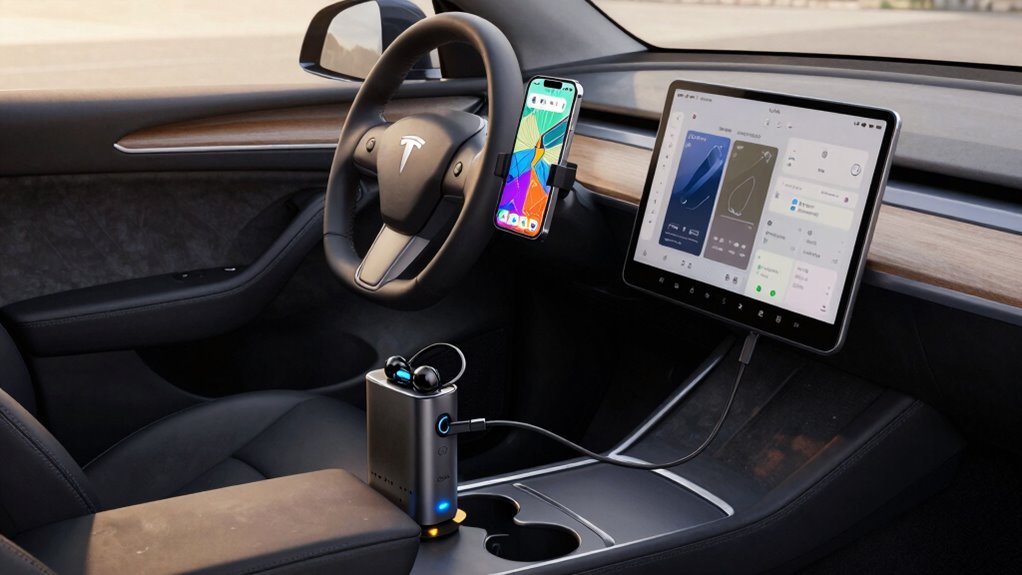

To keep your devices, maps, and music running on long drives, start by using power-saving modes and dimming screens to conserve battery life. Carry extra chargers, adapters, and portable power banks, and plug into available USB ports or 12V outlets. Download offline maps and playlists to reduce dependence on signals. Keep devices cool and protected from heat, and regularly monitor your vehicle’s electrical system to avoid power issues. More tips can help you stay connected and entertained all trip long.

Get travel and outdoor gear delivered free with Prime
- Fast, free delivery on millions of items
- Prime Video, Amazon Music and more included
- Member-only deals all year
Key Takeaways
- Use power-saving modes and dim screens to extend device battery life.
- Carry portable power banks and extra charging cables for on-the-go recharging.
- Download offline maps and music playlists before the trip to reduce reliance on live signals.
- Turn off unnecessary features like Bluetooth, Wi-Fi, and location services when not in use.
- Utilize vehicle USB ports or 12V outlets to keep devices charged during long drives.
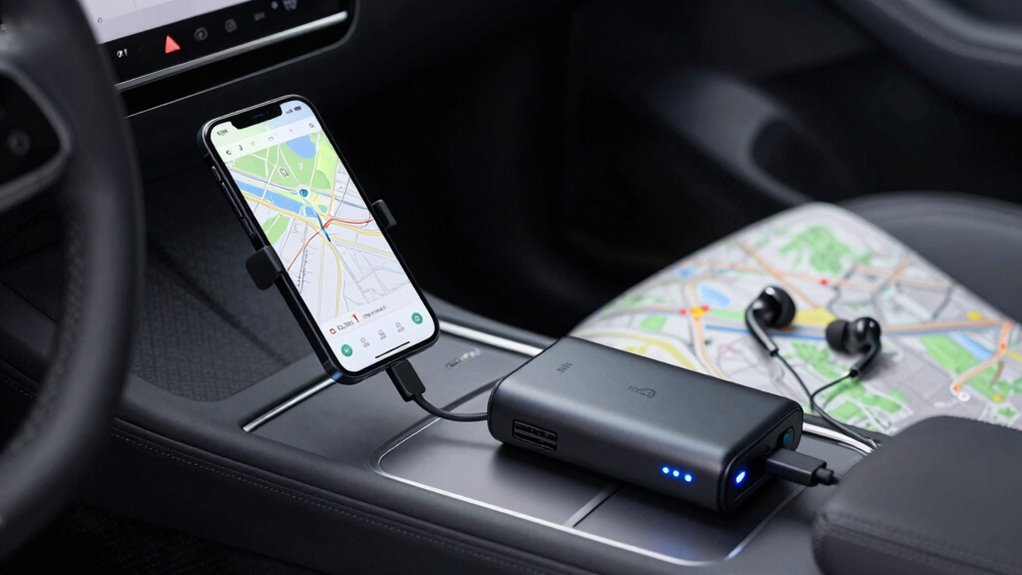
Long driving days can be challenging, especially when your devices, maps, and music suddenly run out of power. To keep everything running smoothly, you need to think ahead about your vehicle maintenance and road trip planning. Proper vehicle maintenance guarantees your car stays reliable during long hours on the road. Before hitting the highway, check your tire pressure, fluid levels, and battery health. A well-maintained vehicle reduces the risk of breakdowns, which could leave you stranded without access to your essential devices. Also, consider bringing along a basic toolkit and spare parts like a tire jack and jumper cables, just in case. These preparations help you stay connected and entertained throughout your trip.
Proper vehicle checks and emergency gear ensure reliable, stress-free long drives. Stay prepared and enjoy the journey.
Road trip planning is key to avoiding technology mishaps. Map out your route in advance using GPS apps, but also carry physical maps as a backup. When planning your stops, look for charging stations or outlets where you can recharge your devices. Many modern vehicles come with USB ports or 12V outlets, but it’s wise to carry portable chargers or power banks. These compact devices can keep your phone, tablet, or GPS powered up even if your car’s outlets are unavailable. Additionally, download offline maps and playlists before your trip. This way, even if you lose signal or your devices run low on battery, you’ll still have access to navigation and entertainment. Planning for power sources can be a lifesaver on long journeys.
To extend your device’s battery life, switch on power-saving modes and dim your screens. Turn off Bluetooth, Wi-Fi, and location services when they aren’t needed to conserve energy. Carry extra charging cables and adapters compatible with your devices to avoid being caught without power. It’s also smart to keep your devices in a cool, shaded spot inside the car, as heat can drain batteries faster. Keep a small, portable power bank in reach so you can recharge on the go without waiting for your car’s engine to run. Ensuring your vehicle’s electrical system is in good condition can help prevent unexpected power issues during your trip.
Ultimately, staying on top of vehicle maintenance and thoughtful road trip planning will make your long drives more enjoyable and less stressful. Proper preparation means you won’t have to worry about technology failing just when you need it most. By ensuring your car is in good shape and your devices are ready to go, you can focus on the journey and make the most of your adventure. Staying connected, entertained, and navigated throughout your trip is all about being proactive—so plan ahead, maintain your vehicle, and pack smart.
Products Worth Considering

Bose QuietComfort Wireless Bluetooth Headphones with Active Noise Cancellation, Mic, USB‑C Charging, Deep Bass, 24‑Hour Battery – White Smok

Bose QuietComfort True Wireless Earbuds with Active Noise Cancellation, Black

Bose QuietComfort Headphones (2nd Gen), Wireless Noise-Cancelling Over-Ear Headphones, Eucalyptus Green
As an affiliate, we earn on qualifying purchases.
Frequently Asked Questions
How Do I Prevent Device Overheating During Long Drives?
To prevent device overheating during long drives, focus on device cooling and overheating prevention. Keep your devices out of direct sunlight, and avoid using them continuously for extended periods. Use a car vent or portable fan to improve airflow around your device. Periodically turn off your device to let it cool down, and remove any cases that trap heat. These steps help maintain ideal device temperature and prevent overheating.
What Are the Best Portable Power Banks for Road Trips?
For your road trip, choose a portable power bank with high capacity and fast-charging capabilities for reliable portable charging. Look for options with multiple USB ports, compact design, and long battery life to keep your devices powered all day. Prioritize power bank selection based on your device compatibility and power needs, ensuring it can handle smartphones, tablets, and GPS units without draining quickly. This way, your devices stay charged and connected during your journey.
How Can I Extend My Phone’s Battery Life on the Road?
Did you know that smartphones drain their batteries faster when apps run in the background? To extend your phone’s battery life on the road, practice battery conservation by reducing screen brightness and enabling low power mode. Manage your apps by closing unnecessary ones and disabling auto-updates. These steps help you conserve power, ensuring your device stays active for navigation, music, and emergencies during long drives.
Are There Offline Map Options for Remote Areas?
Yes, there are offline map options for remote areas. You can download offline maps from apps like Google Maps, MAPS.ME, or Gaia GPS before your trip. These apps let you access detailed maps without an internet connection, ensuring reliable remote navigation. Just make sure to download the necessary areas in advance, so you stay on track even when cell service drops. This way, you keep your navigation seamless on long drives.
How Do I Troubleshoot Connectivity Issues While Driving?
When troubleshooting connectivity issues while driving, first check your Bluetooth pairing to make devices are connected properly. If signals drop, consider using signal boosters to strengthen your connection, especially in remote areas. Restart your devices and update their software if needed. Keep a backup plan, like offline maps, prepared in case of persistent issues. These steps help maintain a smooth connection, so your devices stay synced and your music and navigation stay on track.
Conclusion
So, as you prepare for those epic road trips, remember to pack extra chargers, download offline maps, and create playlists ahead of time. Think of it as your modern-day Homestead Act—building a reliable base for your journey. Stay connected, entertained, and informed, no matter how far you roam. With these tips, your devices will keep humming along, ensuring you embrace the open road with the confidence of a seasoned explorer in the age of progress.