
To set up offline maps before losing signal, choose a reliable app compatible with your device, like Google Maps or Apple Maps, and download the necessary regions you’ll visit, focusing on key routes and landmarks. Make sure your device is fully charged or connected to a portable charger. Regularly update and manage your offline maps to keep them accurate and storage optimized. If you stay prepared, you’ll navigate confidently in remote areas — there’s more to learn to ensure you’re fully ready.

Get travel and outdoor gear delivered free — and shop member deals
- Fast, free delivery on millions of items
- Access to Prime Big Deal Days deals on October 6–7
- Prime Video, Amazon Music and more included
Key Takeaways
- Download and update all necessary offline maps before entering signal-deprived areas.
- Confirm your device is fully charged and carry a portable charger for extended navigation.
- Review your route, landmarks, and points of interest to ensure confident navigation offline.
- Manage storage by deleting outdated maps and limiting download areas to essential routes.
- Verify app permissions and perform a quick test to ensure maps display correctly offline.
portable phone charger for travel
As an affiliate, we earn on qualifying purchases.
As an affiliate, we earn on qualifying purchases.
Why Offline Maps Are Essential for Your Travel
When you’re traveling to unfamiliar places, relying solely on internet-connected maps can leave you stranded if you lose signal or run out of data. Offline maps become essential for maintaining travel safety, ensuring you can navigate confidently without worries. They help you stay on course and avoid dangerous situations, especially in remote areas. Plus, offline maps give you access to cultural insights, like local landmarks, neighborhoods, and points of interest, enriching your travel experience. You can explore without fear of losing connection, making your journey smoother and more enjoyable. By setting up offline maps beforehand, you prioritize your safety and gain valuable cultural knowledge, helping you feel more connected and informed, no matter where your adventures take you. Additionally, understanding the importance of contrast ratio in visual displays can enhance your experience when viewing maps and navigation tools on your devices, ensuring clarity even in challenging lighting conditions. Knowing how visual clarity impacts map readability can make a significant difference during your travels.
As an affiliate, we earn on qualifying purchases.
How to Choose the Best Offline Map App for Your Device

Choosing the right offline map app for your device can greatly enhance your travel experience, but with so many options available, it’s important to reflect on what features matter most to you. Consider app compatibility to guarantee it works seamlessly with your device’s operating system. Map customization is also vital; look for apps that let you personalize routes, labels, and points of interest to suit your needs. Additionally, understanding the latest law updates can help you stay informed about data privacy and app security considerations. Being aware of design/branding trends can also aid in selecting apps that offer intuitive and visually appealing interfaces. Recognizing how ethical considerations influence app development can further guide you toward choosing trustworthy options that respect your privacy and data rights. Incorporating tools that support mental wellbeing, such as features that reduce stress during navigation, can contribute to a more balanced and stress-free navigation experience.
GPS navigation device for remote areas
As an affiliate, we earn on qualifying purchases.
As an affiliate, we earn on qualifying purchases.
Selecting Areas to Download for Offline Use

When choosing areas to download, focus on your most frequently visited destinations to save space and guarantee quick access. Keep in mind the map size limits of your app, so you don’t overload your device. By prioritizing essential locations and managing your downloads carefully, you’ll have reliable offline maps when you need them most. Additionally, consider essential safety tips to ensure your device remains safe during prolonged use or in unfamiliar environments. Taking note of device security measures can help protect your information while navigating offline. Being aware of digital safety practices can further enhance your protection when accessing maps without an internet connection. To optimize your experience, understanding map data management can help you maintain efficient storage and performance. Incorporating mind-body healing techniques can also help reduce stress during travel and ensure a smoother navigation experience.
Prioritize Frequent Destinations
To guarantee your offline maps are most useful, focus on selecting areas where you frequently travel or spend time. Think about your favorite landmarks, popular parks, or busy streets you visit often. If you enjoy exploring local restaurants, make sure to download maps of neighborhoods where these spots are located. Prioritizing these destinations ensures you’ll have guidance support during your regular outings, even without signal. This approach saves storage space by avoiding unnecessary areas, while keeping your go-to locations easily accessible. Remember, offline maps are most effective when tailored to your routines. By downloading maps of your favorite landmarks and local restaurants, you’ll stay confident steering familiar routes anytime, anywhere.
Consider Map Size Limits
While selecting areas to download for offline use, it’s important to be mindful of your device’s storage limits. Large map sizes can quickly eat up space, so you need to plan accordingly. Consider your storage considerations and choose smaller, focused areas rather than entire regions. This helps you avoid running out of space when you need your maps most. To manage this:
- Pick only the most essential routes and destinations
- Break large areas into smaller sections for download
- Regularly delete outdated maps to free up space
- Map Size Limits should be considered carefully to ensure your device remains functional during your adventure. Additionally, understanding your device’s storage capacity can help you make more informed choices about which areas to download. Recognizing the importance of craftsmanship in your device’s design can also guide you toward more efficient storage management. Being aware of the precious metal IRA markets can help you choose better investment options if you’re considering diversifying your portfolio.
As an affiliate, we earn on qualifying purchases.
Step-by-Step Guide to Download Offline Maps on Android and iPhone
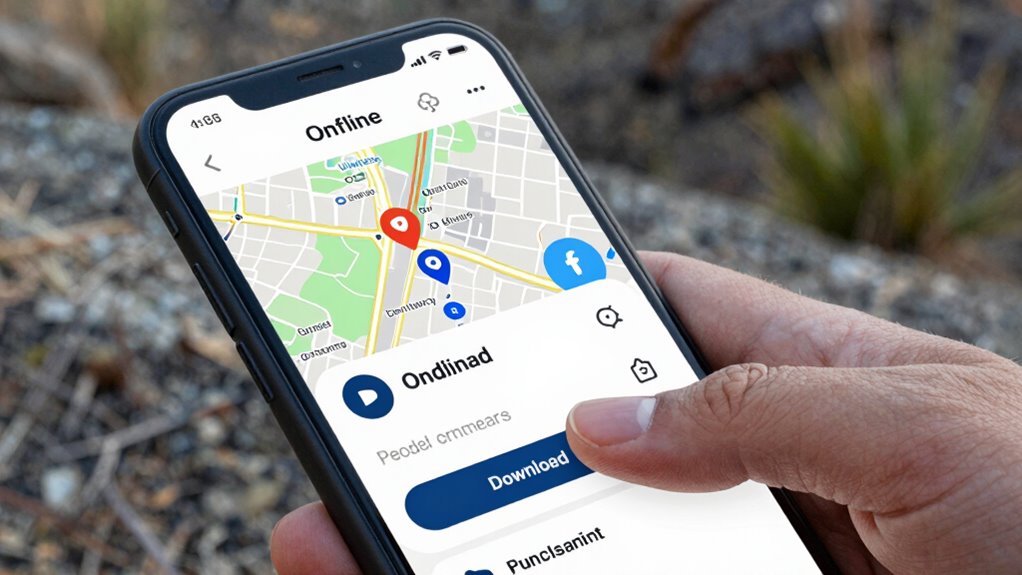
Downloading offline maps on your Android or iPhone is a straightforward process that can save you from unexpected data charges or lack of internet connectivity. First, open your preferred map app, like Google Maps or Apple Maps. For Google Maps, tap your profile picture, then select “Offline maps” and choose “Select your own map.” Adjust the area for map customization, making sure you cover your route. Tap “Download,” and the map will save locally. On iPhone, open Apple Maps or a third-party app, follow similar steps to download specific regions. Remember, managing data privacy is vital; only download maps from trusted sources. Keeping your offline maps updated and secure guarantees smooth navigation without risking sensitive information. Additionally, understanding navigation concepts can enhance your ability to interpret map details and make better route decisions while offline.
How to Manage Storage and Keep Your Offline Maps Updated
To keep your offline maps working smoothly, you need to manage your storage space effectively. Regularly updating your maps guarantees you have the latest information without taking up unnecessary space. Staying on top of these tasks helps prevent app issues and keeps your navigation reliable. Additionally, choosing trusted sources for updates ensures you receive accurate and comprehensive information. Being aware of home theater fundamentals can also enhance your overall experience when using offline maps in different environments. Incorporating landscaping elements into your outdoor spaces can improve overall navigation and accessibility, especially in larger backyard areas. Managing your storage with reliable hardware like a 2TB SSD can significantly speed up download and update processes, making your offline maps more efficient to maintain. Also, understanding power backup solutions is crucial to ensure your maps stay accessible during outages or connectivity issues.
Manage Storage Space
Managing storage space is essential to guarantee your offline maps stay current and functional. To do this effectively, focus on map compression and storage optimization. These techniques reduce file sizes without sacrificing quality, freeing up space on your device. You can:
- Delete unused maps for regions you no longer need
- Use app settings to limit map quality or resolution
- Regularly clear cache and temporary files to free storage
Regularly Update Maps
Keeping your offline maps current guarantees you have the latest information without taking up extra space on your device. Regular updates ensure you benefit from new roads, points of interest, and improved map accuracy. To optimize storage, manage your map customization and user preferences wisely. Regularly review and delete outdated maps, and set your app to automatically update when connected to Wi-Fi. Use the table below to understand how different map features can be managed:
| Feature | User Preference | Storage Impact |
|---|---|---|
| Map Layers | Toggle visibility | Saves space |
| Offline Regions | Select specific areas | Reduces clutter |
| Update Frequency | Set automatic updates | Ensures freshness |
| Map Detail Settings | Customize detail level | Controls size |
| Map Themes | Choose minimal themes | Saves space |
Stay proactive to keep your maps current and efficient.
Troubleshooting Common Offline Map Problems
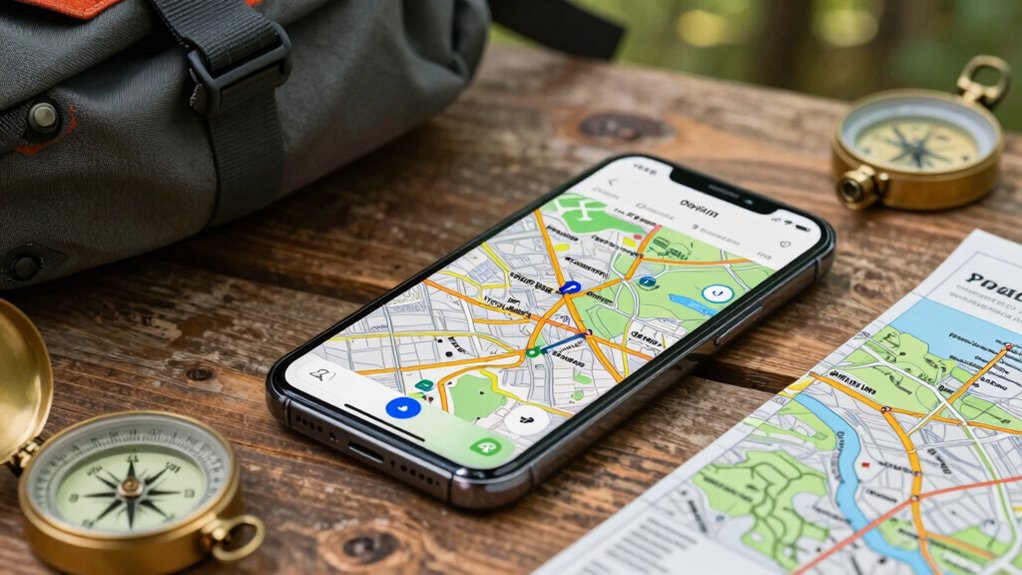
Offline map issues can be frustrating, but many common problems have straightforward solutions. If your map isn’t displaying correctly, consider checking your map customization settings or re-downloading the affected areas. Sometimes, offline map security measures block access, so make sure your app permissions are correctly set. If your map isn’t updating, verify your device’s storage and internet connection to complete updates properly. Additionally, clearing the app cache can resolve glitches causing map display problems. To troubleshoot effectively, remember:
- Adjust map customization options for better display
- Confirm offline map security settings aren’t restricting access
- Reinstall or update your offline maps if issues persist
Being aware of offline map functionality can help you better understand and resolve issues before your trip.
These simple steps can get your maps working smoothly before you head into signal-less zones.

Before heading into areas without signal, it’s important to double-check that you’re fully prepared for offline navigation. Confirm your offline maps are downloaded and up-to-date to ensure GPS accuracy and reliable travel safety. Make sure your device is fully charged and consider carrying a portable charger. Review your route and landmarks so you’re confident in your navigation. Use the checklist below to verify your readiness:
| Item | Status |
|---|---|
| Offline maps downloaded | ✅ / ❌ |
| Device charged & portable charger | ✅ / ❌ |
| Route & landmarks reviewed | ✅ / ❌ |
Being prepared minimizes risks, improves GPS accuracy, and keeps your travel safe. It’s also helpful to understand the importance of inclusive casting in sustainable travel, ensuring your journey supports environmental health. Double-check this list before you lose signal.
Frequently Asked Questions
Can Offline Maps Work Without an Internet Connection?
Yes, offline maps work without an internet connection, so you can navigate even when you’re offline. When you set up offline maps, you guarantee your data privacy by controlling what information is stored locally. Plus, you can customize your maps to highlight routes or points of interest, making navigation more efficient. Just remember to download the maps beforehand, so you’re prepared and avoid losing access during your trip.
How Much Storage Space Do Offline Maps Typically Require?
Offline maps typically require between 200MB and 1GB of map storage, depending on the area and detail level. Your device’s storage capacity influences how much you can download. Data compression helps reduce map storage size without sacrificing detail, making it easier to store larger regions. To optimize space, choose only the necessary areas for offline use, ensuring you have enough storage for future updates or additional locations.
Are Offline Maps Available for All Countries and Regions?
Offline maps are available for most countries and regions, but map data accuracy and regional coverage can vary. Major cities and popular destinations usually have detailed coverage, while some remote areas might lack extensive data. Before you travel, check the map app’s coverage to guarantee it meets your needs. This way, you’ll have reliable offline navigation, especially in areas with limited signal, and won’t face surprises during your trip.
Can I Update Offline Maps Manually or Automatically?
Think of your offline maps as a garden that needs tending. You can update them manually, like watering your plants, or set up automatic data synchronization, letting the system work like a caring gardener. Map updates refresh your navigation tools with the latest info, ensuring you’re never lost. Whether you choose manual or automatic updates, staying current guarantees your map’s accuracy, keeping your journey smooth and worry-free.
Do Offline Maps Track My Location in Real-Time?
Offline maps generally don’t track your location in real-time like online maps do. They rely on GPS accuracy when you’re guiding yourself, but since they don’t connect to the internet constantly, they won’t update your position live. Keep in mind, using offline maps can reduce battery consumption compared to online tracking. However, your GPS accuracy depends on your device, and poor signals may affect how precisely your location is displayed.
Conclusion
Before your next trip, make sure you’ve downloaded the right offline maps. Imagine getting lost in a new city — without signal, you rely on those maps to find your way back. By following these steps, you’ll stay prepared and confident. Just like Sarah, who explored Paris without Wi-Fi, you’ll navigate smoothly, no matter what. Get your maps ready now, so you’re always in control, even offline.
Fall Picks
fall essentials
As an affiliate, we earn on qualifying purchases.