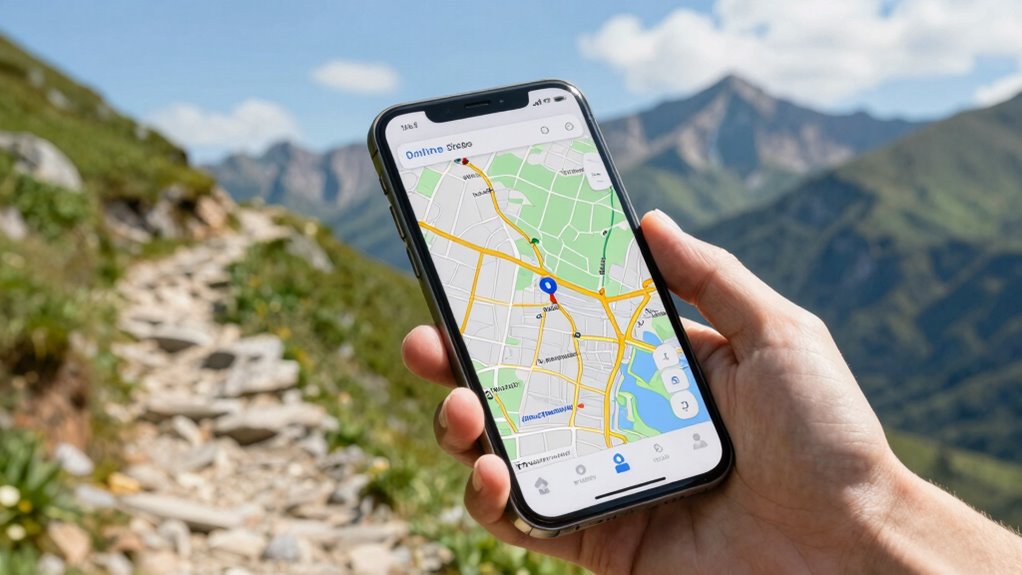

To use offline maps before you need them, start by downloading maps of your destination in advance. Make sure you familiarize yourself with the app’s offline features and save the necessary areas on your device. Keep the maps updated regularly to prevent confusion during your trip. Remember to check GPS signals, especially in urban areas or tunnels, and use visual cues alongside navigation. If you want to master these tips, you’ll find helpful details as you explore further.
Get ready for Prime Big Deal Days — try Prime free
Exclusive member deals on October 6–7, plus fast free delivery. Cancel anytime.
As an affiliate, we earn on qualifying purchases.
Key Takeaways
- Download maps of your destination areas in advance through the map app’s offline feature.
- Familiarize yourself with offline map functions and storage options before traveling.
- Regularly check for and install map updates to ensure accuracy during offline use.
- Save specific regions or cities locally on your device to access them without internet.
- Test offline navigation beforehand to ensure maps and GPS function correctly.

Having offline maps on your device can be be a lifesaver when you’re in areas with poor or no internet connection. When you’re exploring unfamiliar territories, relying solely on online maps can leave you stranded if connectivity drops. That’s where offline maps come in: they provide reliable guidance without the need for an active internet connection. Before you find yourself in a pinch, it’s smart to download the maps you’ll need in advance. This way, you won’t waste time trying to connect or risking getting lost. To do this effectively, you should familiarize yourself with your map app’s offline features. Many popular navigation apps, like Google Maps or Maps.me, allow you to select specific regions or cities for offline use. Make sure you download the necessary areas ahead of your trip, and double-check that the maps are stored properly on your device.
Once you’ve downloaded your offline maps, you want to guarantee they stay current. Map updates are essential because they include new roads, changes to existing routes, and updated landmarks. Outdated maps can lead to confusing directions or missed turns. To avoid this, regularly check for updates within your app. Some apps automatically notify you when updates are available; others require manual refreshes. Keeping your maps up-to-date ensures you’re guiding yourself with the latest information, reducing the risk of errors. Remember, GPS technology has improved greatly, and most offline map apps utilize it to pinpoint your location accurately. However, GPS signals can sometimes be affected by dense urban areas or tunnels, so don’t rely solely on GPS; use visual cues and your knowledge of the area when possible. Additionally, understanding offline map features can help you navigate more confidently without an internet connection. Being familiar with map data accuracy can further improve your navigation experience and prevent potential confusion. For example, understanding how offline map storage works can help ensure your maps are accessible when you need them most. Moreover, exploring offline map customization options can tailor your navigation experience to better suit your specific needs. It’s also helpful to learn about offline map updates to keep your maps current and reliable.
As an affiliate, we earn on qualifying purchases.
Frequently Asked Questions
Can Offline Maps Be Updated Automatically?
Offline maps generally don’t update automatically unless you enable specific settings or use apps that support automatic updates. You need to regularly perform a map download to keep your offline maps current, especially in areas with frequent changes. The update frequency depends on the app or service you choose, so it’s wise to check the app’s update options regularly. Manual updates guarantee your offline maps stay accurate and reliable.
How Much Storage Space Do Offline Maps Typically Require?
Imagine you’re in a 90s blockbuster, and offline maps typically take up around 100MB to a few gigabytes, depending on the area. You can save space through data compression, which reduces map storage needs without sacrificing detail. Smaller map files mean you’re less likely to run out of storage. Keep in mind, larger regions or detailed maps require more space, so plan accordingly before your trip.
Are Offline Maps Available for All Countries?
Offline maps aren’t available for every country, but coverage has expanded considerably. When you do a map download, make sure your app’s map compatibility with the region. Popular apps like Google Maps and Maps.me support many countries worldwide, allowing you to navigate even without internet. Before your trip, verify if the country’s maps are available for download, helping you plan ahead and avoid any surprises during your travels.
Do Offline Maps Include Real-Time Traffic Information?
Offline maps don’t include real-time traffic information, so they act like a trusty compass rather than a live traffic radar. Their accuracy depends on the data you download beforehand, but they lack the dynamic updates of online maps. The offline map user interface is straightforward, letting you navigate your route smoothly without internet, but for real-time traffic, you’ll need an online connection. Think of offline maps as your dependable guide, not a live traffic monitor.
Can I Use Offline Maps Without an Internet Connection?
Yes, you can use offline maps without an internet connection once you’ve downloaded the map. To do this effectively, make sure you’ve completed an offline map download for your entire route or area. Keep in mind that map update frequency varies; regularly updating your offline maps ensures you get the latest information, including new roads or changes, even when you’re offline. This way, you stay connected to your navigation needs without needing internet access.
portable GPS device with offline maps
As an affiliate, we earn on qualifying purchases.
As an affiliate, we earn on qualifying purchases.
Conclusion
By preparing offline maps in advance, you guarantee you’re never lost, even when signals drop. Imagine hiking a remote trail, your phone unable to connect, but your offline maps guiding you safely back. That peace of mind is priceless. Taking a few minutes now to save maps for your next adventure could make all the difference. So, download those maps today—your future self will thank you when navigation is smooth, no matter where you go.
waterproof smartphone case for travel
As an affiliate, we earn on qualifying purchases.
As an affiliate, we earn on qualifying purchases.
power bank for travel navigation
As an affiliate, we earn on qualifying purchases.
As an affiliate, we earn on qualifying purchases.
Fall yard work Picks
leaf blowers
As an affiliate, we earn on qualifying purchases.