If your power station won’t charge, start by checking the external power source and guarantee outlets or connectors are working properly. Inspect cables and ports for damage, and try different chargers or power sources. Confirm your device’s settings and battery health, and consider updating the firmware. Keep your environment cool and dry, and carefully examine internal components for damage or loose connections. For more detailed solutions, you’ll find helpful tips below to get your power station charging again.
Key Takeaways
- Verify the power source and outlet functionality by testing with another device or different socket.
- Inspect and secure all external cables, connectors, and ports for damage or looseness.
- Check internal components for signs of damage, corrosion, or loose connections, and seek professional inspection if needed.
- Ensure firmware and device software are up-to-date to rule out bugs affecting charging.
- Optimize the charging environment by keeping the device in a cool, dry place away from heat and moisture.
Why Won’t My Power Station Charge? Understanding Common Causes

When your power station refuses to charge, it can be frustrating, but understanding the common causes can help you troubleshoot effectively. One frequent issue is a power surge that disrupts the charging process or damages internal components. Modern power stations often have overheating protection, which automatically shuts down or pauses charging if the device gets too hot. This safety feature prevents damage but can also prevent charging if the station overheats due to external heat or prolonged use. Another cause might be a faulty or loose connection, but focusing on these two factors first can save you time. Confirm your power station isn’t experiencing a recent power surge or overheating condition before moving on to other troubleshooting steps. Additionally, ensuring the device’s internal safety features are functioning properly can help prevent further issues. Regularly inspecting your power storage setup and keeping it in a suitable environment can also reduce the risk of overheating or connection problems. Being aware of power station maintenance tips can further extend the lifespan and reliability of your device, especially in preventing electrical issues. For example, ensuring your battery is properly charged and functioning can help avoid some charging problems.
Check Your Power Source and External Connections
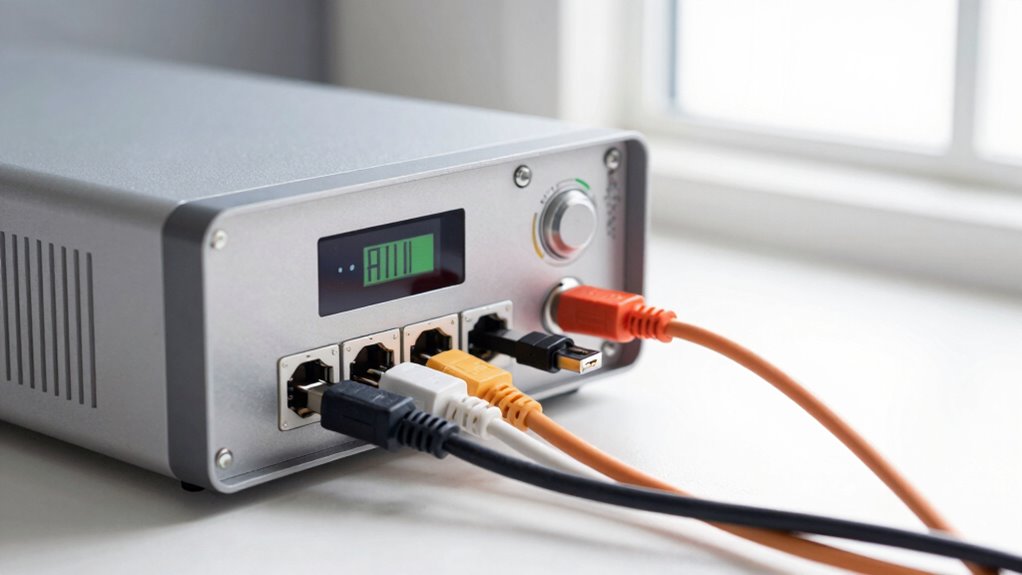
Start by making sure your power outlet works by plugging in another device. Check your cables and ports for damage or looseness, ensuring everything connects securely. If you’re using an external power source, test it with a different outlet or device to confirm it’s functioning properly. Additionally, verify that your solar charge controller is correctly configured and functioning, as it plays a crucial role in managing power flow to your station. Ensuring your power management system is operating properly can help prevent charging issues. To prevent potential hazards, regularly inspect your wiring and connections for signs of heat buildup or damage that could compromise safety. Being aware of indoor air quality and potential dust accumulation can also help identify issues that may affect your equipment’s performance. Regular maintenance of your outdoor equipment can further improve overall reliability and efficiency.
Verify Power Outlet Function
Before troubleshooting your power station’s charging issues, it’s vital to confirm that the power outlet is working correctly. First, test the power outlet with another device to verify it’s providing power. Sometimes, a power outlet may appear functional but isn’t delivering consistent voltage due to socket compatibility issues or loose wiring. If you’re using an extension cord or power strip, try plugging directly into the wall socket to eliminate potential problems. Check for visible damage or signs of wear on the outlet. If the outlet isn’t working, reset the circuit breaker if applicable. Making sure your power source is reliable is an essential step before moving on to inspecting your power station or cables. Additionally, ensure that the outlet is free of dust or debris, which can interfere with electrical connections. Be aware that electrical safety guidelines should always be followed when handling electrical outlets to prevent accidents. Regularly inspecting your outlets for wear and tear can help prevent future charging issues. It’s also helpful to understand how electrical current can affect the overall performance of your devices.
Inspect Cables and Ports
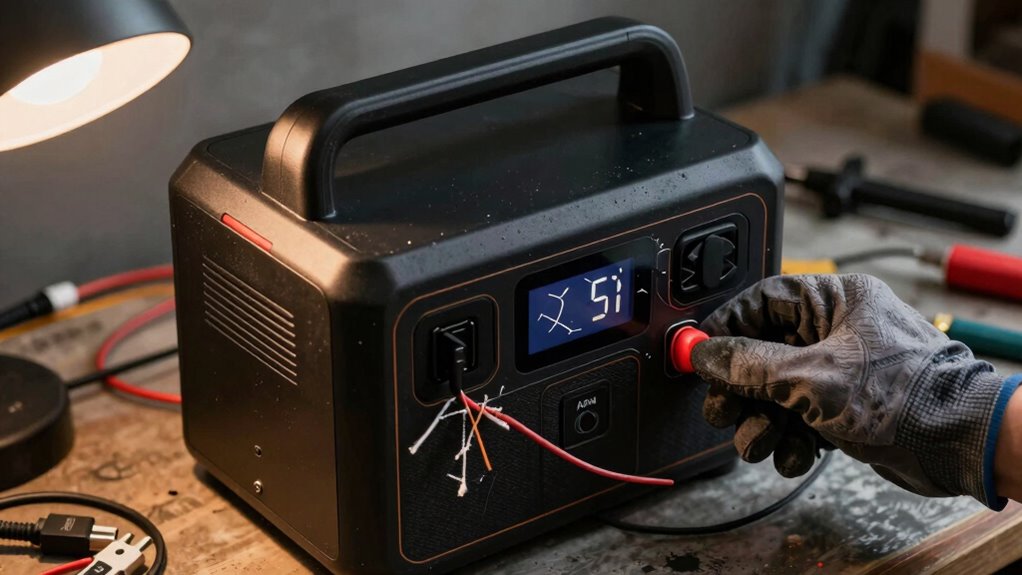
Since cables and external connections are common points of failure, it’s important to carefully examine them for any signs of damage or loose connections. Check your charging cables for frays, cuts, or bent connectors. Proper cable maintenance guarantees a secure connection. Also, inspect the ports on your power station and charger; look for dirt, debris, or misalignment. Port alignment is critical for efficient charging. Use the table below to guide your inspection:
| Issue | Solution |
|---|---|
| Damaged cable | Replace with a certified cable |
| Loose connection | Reinsert firmly, ensure proper fit |
| Dirty or misaligned port | Clean gently and realign connector |
Ensuring all connections are intact and clean can resolve many charging issues. Additionally, verifying that your data storage and backup gear is compatible with your power station can prevent power-related failures. Regularly checking your regional flavors and chicory/coffee insights may also help you stay informed about optimal equipment and accessories for your setup. Maintaining awareness of your power station’s specifications and limitations can further enhance its longevity and performance. Moreover, understanding the importance of proper maintenance practices can extend the lifespan of your equipment. Furthermore, monitoring your device’s charging patterns can help identify underlying issues early.
Test External Power Sources
Is your power station still not charging despite inspecting the cables and ports? The next step is to test your external power sources. Sometimes, a power outage or faulty outlet can prevent your charging station from working properly. To troubleshoot:
- Verify the power outlet by plugging in another device
- Use a different wall socket or extension cord
- Check if the power outage affects your area
- Test your power station with a known working charger
- Make certain all connections are secure and free of debris
- Consider monitoring power quality to identify fluctuations that could impact charging performance, especially in homes with smart electrical systems that help optimize energy usage.
Inspect and Reset Charging Cables and Ports
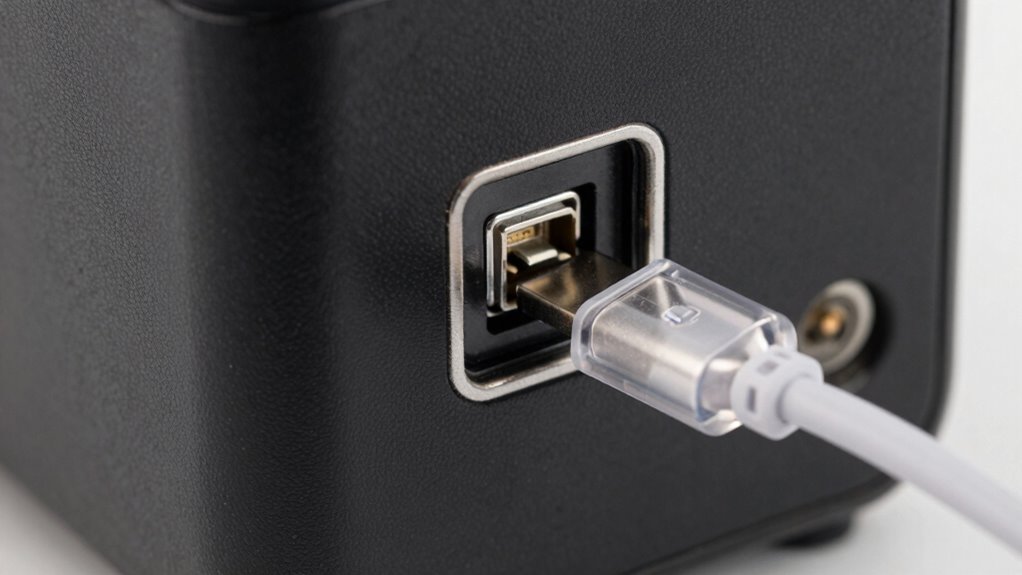
If your power station isn’t charging, start by inspecting the cables and ports for visible damage or debris. Damaged cables can disrupt power flow, so check for frays or bent connectors. Ports may accumulate dust or grime, hindering proper contact. Perform cable maintenance by gently replacing or adjusting faulty cables. For port cleaning, use a soft brush or compressed air to remove dirt, ensuring a clean connection. Refer to the table below for a quick troubleshooting guide:
| Issue | Solution |
|---|---|
| Frayed or broken cable | Replace with a certified cable |
| Debris in port | Clean with compressed air |
| Loose connection | Reconnect firmly |
| Corrosion or rust | Gently clean with isopropyl alcohol |
| Visible damage | Replace damaged components |
Regular maintenance, including inspecting connectors and ports, can help prevent charging issues and keep your power station functioning properly. Ensuring that filter sizing and flow are optimal can also improve overall system performance. Proper inspection and cleaning can restore charging functionality efficiently.
Evaluate Your Power Station’s Battery Health and Settings
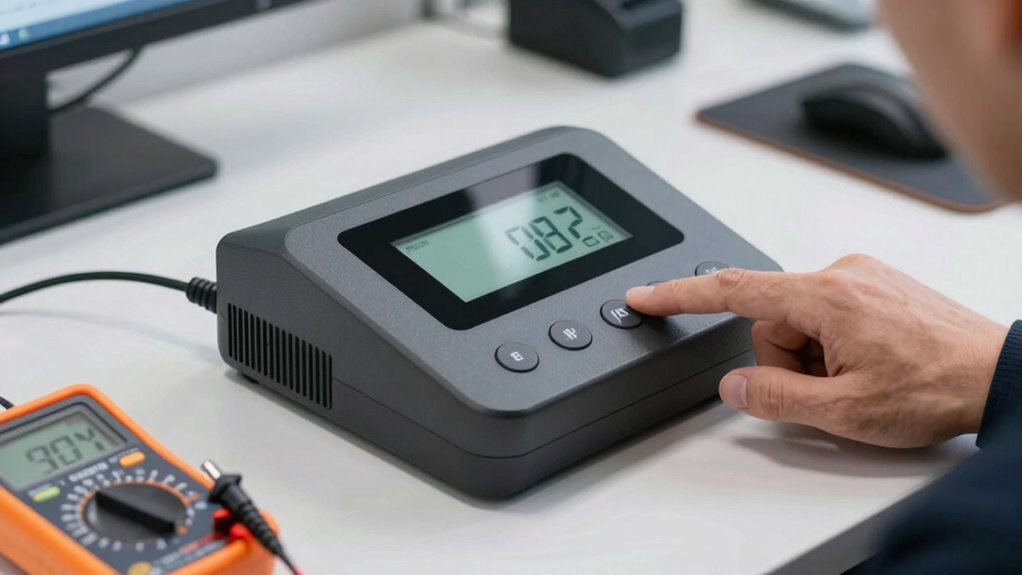
After verifying your cables and ports are clean and secure, it’s time to assess the health of your power station’s battery. Begin by checking if the battery needs calibration, which ensures accurate charge readings. A proper charge cycle, typically fully discharging and then recharging the battery, can help recalibrate it. Keep an eye on the battery’s overall performance, as a decline may signal aging or damage. Consider these points:
Check your power station’s battery health with calibration, full charge cycles, and performance monitoring to ensure longevity and reliability.
- Run a full charge and discharge cycle
- Monitor battery capacity over time
- Check for irregular charging behavior
- Review device settings that affect battery management
- Look for warning indicators or error messages
These steps help you evaluate your battery’s condition and identify whether replacement or professional servicing is needed. Proper maintenance can extend your power station’s lifespan and ensure reliable charging.
Try Different Charging Methods and Power Sources
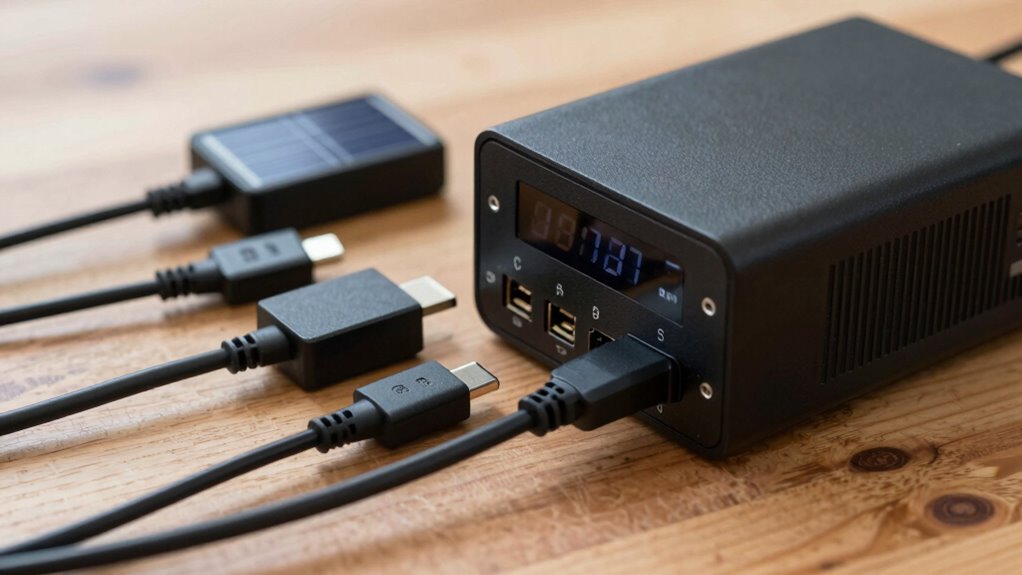
Sometimes, the problem isn’t with the power station itself but with the way you’re trying to charge it. To troubleshoot, try different charging methods using various charging accessories, like different cables or adapters. Sometimes, a faulty cable or incompatible connector can prevent proper charging. Also, consider using alternative sources of power, such as plugging into different outlets or using a portable solar panel. Not all outlets provide the same voltage, so switching sources might solve the issue. Make sure the power source is working correctly and supplying steady power. By experimenting with different charging accessories and alternative sources, you can identify whether the issue lies with your equipment or the power station itself.
Update Your Power Station’s Firmware or Software
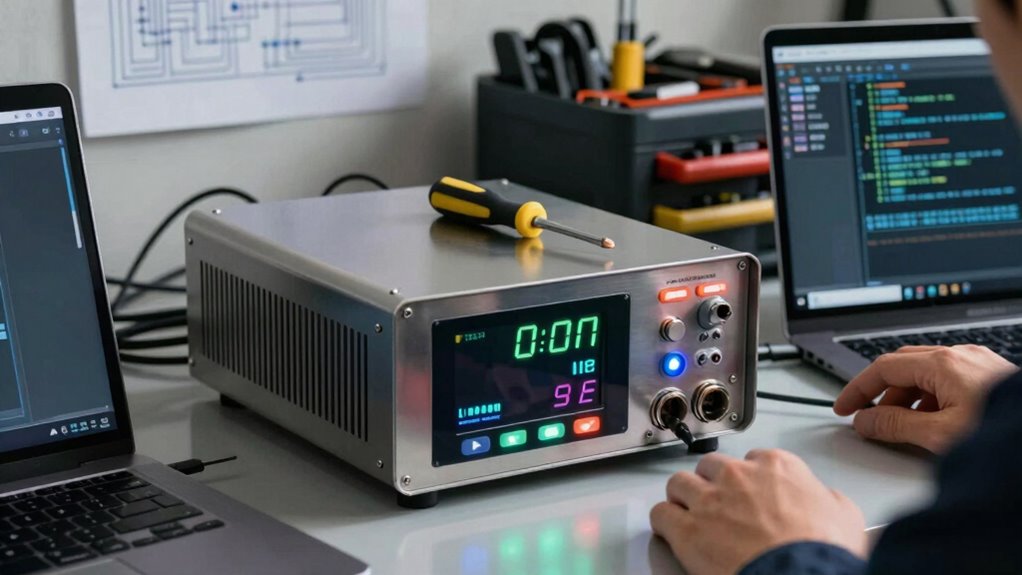
Updating your power station’s firmware or software can often resolve charging issues, especially if the device has become unresponsive or behaves unpredictably. Firmware updates improve device compatibility, fix bugs, and enhance overall performance. Before updating, check the manufacturer’s website to confirm your device supports the latest firmware. Make sure your power station is connected to a reliable power source during the update process. Keep in mind that outdated firmware might cause charging problems due to incompatibility with newer charging accessories or power sources.
- Verify device compatibility before updating
- Download firmware updates only from official sources
- Follow manufacturer instructions carefully
- Backup your settings if possible
- Restart your power station after updating
Make Sure the Environment Supports Proper Charging

Ensuring your environment supports proper charging is essential for your power station to operate effectively. Environmental conditions like temperature, humidity, and exposure to dust can impact charging ability. Proper charging station placement helps prevent issues caused by moisture or direct sunlight.
| Environmental Conditions | Charging Station Placement |
|---|---|
| Keep in a dry, cool area | Place on a stable, level surface |
| Avoid extreme heat | Keep away from direct sunlight |
| Prevent exposure to dust | Ensure good ventilation |
| Maintain moderate humidity | Avoid areas with water or dampness |
| Limit vibrations | Keep out of high-traffic zones |
Check Internal Components for Damage or Wear
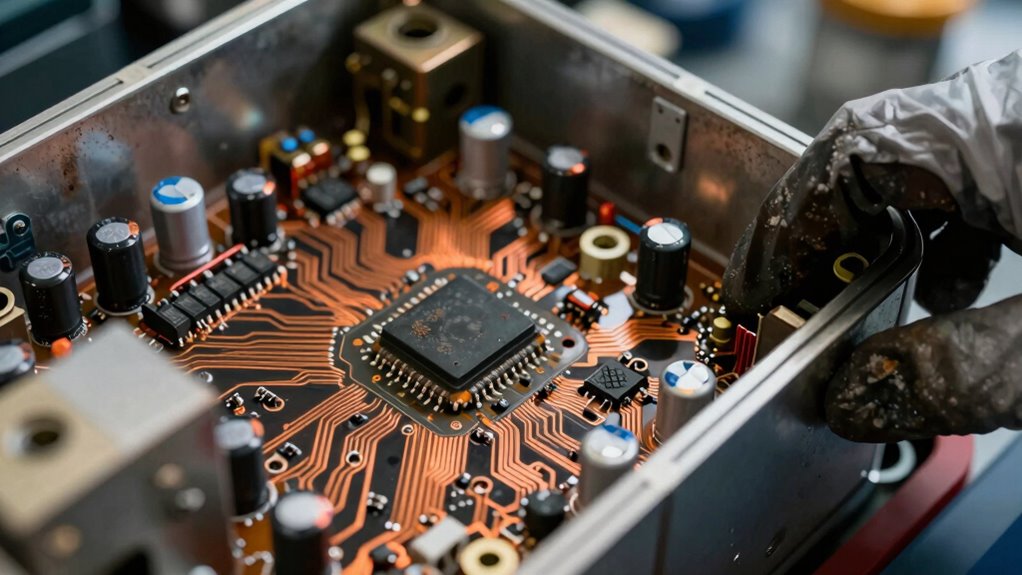
To keep your power station functioning properly, it’s important to inspect its internal components for signs of damage or wear. Over time, internal components can experience wear and tear, which may hinder charging. Look for swollen batteries, burnt circuit boards, loose connections, corrosion, or broken wires. These issues can disrupt the flow of electricity and prevent proper charging. Carefully open your power station (if safe to do so), and examine critical parts for any visible damage. Remember, internal components are delicate; if you notice significant damage or aren’t comfortable inspecting yourself, consider seeking professional help. Regularly checking for wear and tear can catch problems early, helping you avoid complete failure and extend your device’s lifespan.
Identify and Fix Firmware Bugs or Software Errors
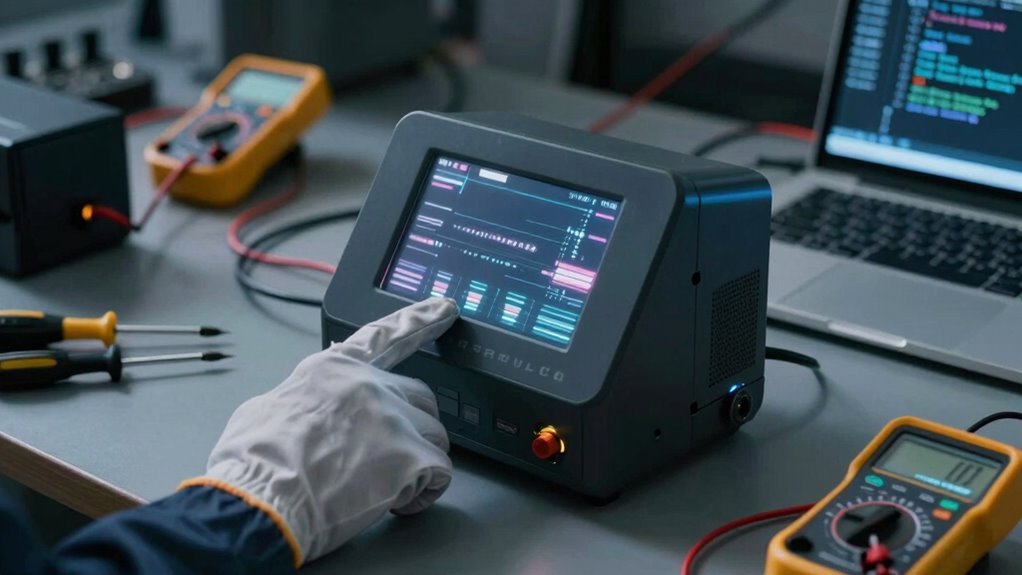
Sometimes, firmware bugs or software errors can interfere with your power station’s ability to charge properly. To fix this, start with firmware troubleshooting. Check if your device has any available software updates; manufacturers often release updates to fix bugs and improve performance. Connect your power station to Wi-Fi or your computer and follow the instructions to download and install the latest firmware. If issues persist after updating, perform a factory reset, which can clear software glitches. Be sure to back up any important data beforehand. Regularly updating your device’s software helps prevent bugs from causing charging problems. If problems continue despite these steps, contact customer support for further assistance, as some bugs may require more advanced troubleshooting or repair.
Frequently Asked Questions
Can Temperature Affect My Power Station’s Charging Ability?
Yes, temperature can affect your power station’s charging ability. Extreme cold or heat impacts thermal regulation, which is essential for safe charging. When the device gets too hot or cold, your power station might pause charging to protect its battery. To fix this, try battery calibration by fully discharging and recharging it at room temperature. Keep your power station in a moderate environment to maintain ideal thermal regulation and guarantee proper charging.
How Long Should I Leave My Power Station to Fully Charge?
You should leave your power station charging until it reaches 100%, which usually takes several hours, depending on the model. Avoid unplugging it early, as incomplete charging can impact the charging duration and potentially reduce your power station’s lifespan. For maximum performance, follow the manufacturer’s recommended charging time, and always unplug once fully charged. Proper charging habits help extend your power station’s lifespan and ensure it’s ready when you need it most.
Is There a Way to Manually Reset the Charging System?
Yes, you can manually reset the charging system to troubleshoot issues. Usually, pressing and holding the power station’s reset button for about 10-15 seconds does the trick, like hitting a magic button to fix everything! If your model doesn’t have a reset button, unplug it from the power source, wait a few minutes, then plug it back in. These troubleshooting tips can often solve stubborn charging problems quickly.
What Are the Signs of a Faulty Power Station Battery?
You’ll notice signs of a faulty power station battery if the charging indicator flickers or stays off, indicating poor battery performance. Battery deterioration can cause reduced capacity, so your device might not hold a charge or power on at all. If the battery appears swollen or leaks, it’s definitely faulty. Regularly check for these signs to prevent unexpected shutdowns and make certain your power station stays reliable when you need it most.
Can External Environmental Factors Cause Charging Issues?
Yes, external environmental factors can cause charging issues. Solar interference from direct sunlight or nearby reflective surfaces can disrupt the charging process. Power surges from lightning or unstable electrical sources may damage your power station’s circuitry, preventing it from charging properly. To avoid these problems, keep your device in a shaded area during charging and use surge protectors to guard against voltage spikes.
Conclusion
So, after all these checks, your power station still refuses to charge? Ironically, sometimes the simplest solutions—like a fresh power source or a quick reset—are the hardest to spot. Don’t forget, even cutting-edge tech can fall victim to a little human oversight or environmental quirks. If nothing works, it might be time to embrace the unpredictability of technology and consider a replacement—because even the most reliable power station isn’t immune to Murphy’s Law.