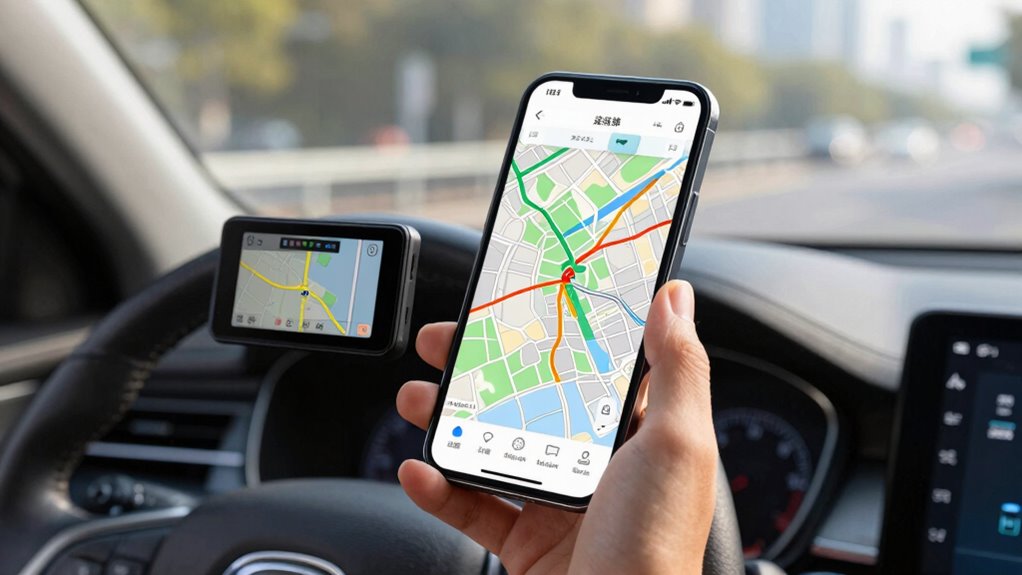

To use offline navigation and a backup GPS smartly, start by downloading detailed maps of your exploration areas before your trip and guarantee your primary device is fully charged or has a portable charger. Familiarize yourself with your backup GPS, test both devices, and keep them accessible during travel. This way, you reduce reliance on internet signals and prevent losing your way. Keep going to discover how to make your navigation even more reliable and stress-free.

Get travel and outdoor gear delivered free with Prime
- Fast, free delivery on millions of items
- Prime Video, Amazon Music and more included
- Member-only deals all year
Key Takeaways
- Download and update offline maps for your exploration areas before departure to ensure reliable access without internet.
- Fully charge your devices and carry portable chargers to prevent power loss during navigation.
- Familiarize yourself with your backup GPS device’s functions and test it alongside offline maps pre-trip.
- Use offline maps as the primary navigation tool, switching to backup GPS if signal or device issues arise.
- Regularly review and practice your navigation plan to boost confidence and reduce stress during journeys.
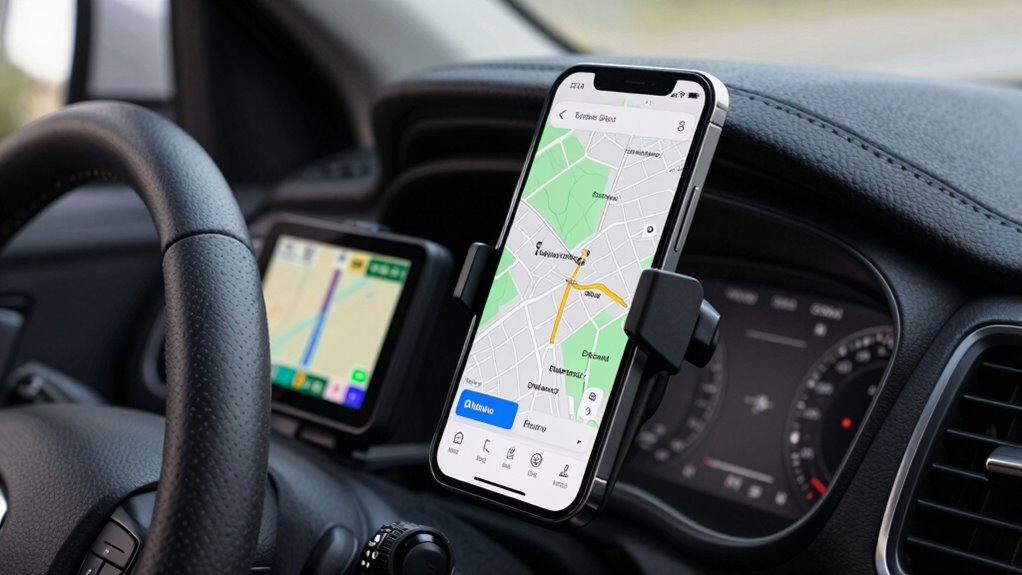
In today’s digital age, relying solely on your smartphone’s GPS can lead to trouble if you lose signal or run out of battery. That’s why it’s smart to prepare in advance with offline navigation options and a backup GPS device. When you integrate these tools into your travel plans, you boost your travel safety and ensure you stay on course, no matter what tech hiccups come your way. Offline maps are a game-changer because they allow you to download detailed maps of your route, so you don’t depend on an active internet connection. Before heading out, take the time to download maps of the area you’ll be exploring. This way, even if you lose data or experience poor signal quality, your navigation remains uninterrupted. This seamless technology integration minimizes stress, helping you focus on the journey instead of stressing over route uncertainties.
A backup GPS device adds an extra layer of security. While smartphones are convenient, they’re also vulnerable—they can fall and break, or their batteries can die at the worst moment. Compact and portable, dedicated GPS units offer long battery life and often feature more precise routing capabilities. When you carry a backup GPS, you’re not only safeguarding your travel safety but also ensuring that your navigation isn’t compromised if your primary device fails. Make sure to familiarize yourself with its functions before your trip, so you can quickly switch between devices if needed. When used together, offline maps and a backup GPS create a robust system that keeps you connected to your route without relying solely on digital signals or power sources. Offline navigation provides a reliable alternative in areas with limited connectivity, further enhancing your travel preparedness. Additionally, understanding cloud server solutions can help you manage your data and maps more efficiently, ensuring they’re always accessible when needed. This approach also supports biodiversity conservation by reducing unnecessary detours and keeping travelers on eco-friendly routes.
To maximize the benefits, plan ahead and test both your offline maps and backup device before you leave. Update your maps, charge your devices, and ensure your backup GPS has fresh batteries or a portable charger. This proactive approach reduces last-minute panic and keeps your journey smooth. Remember, integrating these technologies isn’t just about convenience — it’s about making smarter choices for travel safety. By doing so, you control your navigation experience, avoiding unexpected detours and getting to your destination efficiently. Whether you’re heading into remote areas or busy cities, having these tools in place means you stay confident and in control, no matter what challenges come your way.
Products Worth Considering

DJI Osmo Mobile 8 Phone Gimbal with Mic Mini Transmitter, Infinity Black

Bose QuietComfort True Wireless Earbuds with Active Noise Cancellation, Black

Travelpro Maxlite 5 Softside International Carry-On Luggage, Green, 20-Inch
As an affiliate, we earn on qualifying purchases.
Frequently Asked Questions
How Do I Update Offline Maps for Accuracy?
To update offline maps for accuracy, you should regularly check your navigation app for map data updates. Most apps notify you when new versions are available; simply download and install them. Make sure your device’s software is compatible with the latest map files for smooth navigation. Confirm your navigation app’s compatibility with offline map updates and follow the prompts to keep your maps current, accurate, and reliable during offline use.
What Devices Support Offline Navigation?
You can use devices like smartphones, dedicated GPS units, and tablets that support offline navigation. Make sure your device has GPS device compatibility and allows offline map customization for tailored routes. Many smartphones with navigation apps like Google Maps or Here WeGo offer offline mode, while dedicated GPS units from Garmin or TomTom also support offline maps. Always check device specifications to confirm offline map capabilities before heading out.
How Long Do Offline Maps Typically Last?
Offline maps typically last from several weeks to months, depending on map expiration policies. To keep your maps current, you need to manage data renewal regularly. Remember, map expiration occurs when updates aren’t downloaded in time, risking outdated directions. Stay savvy by scheduling periodic updates, ensuring your offline navigation remains accurate, accessible, and always aligned with the latest roads, routes, and real-time changes.
Can I Use Offline Maps Internationally?
Yes, you can use offline maps internationally. You just need to download the necessary maps in advance while connected to Wi-Fi. Make certain to perform a map download for each country or region you plan to visit. Keep in mind, offline maps don’t automatically update through data synchronization, so it’s wise to update them before your trip to ensure accuracy. This way, you’ll navigate smoothly without relying on data.
What Are Common Troubleshooting Steps for GPS Issues?
If your GPS signal drops, start troubleshooting by checking device compatibility and ensuring your device has a clear view of the sky. For example, a hiker in a dense forest noticed her GPS kept losing signal; she moved to a more open area, restoring connectivity. Common steps also include restarting your device, updating the app or firmware, and checking for obstructions blocking the GPS signal. These actions often resolve most GPS issues.
Conclusion
By mastering offline navigation and having a reliable backup GPS, you guarantee you’re never lost, no matter where your adventures take you. With these tools, you stay confident and in control, even in areas with poor signal. So, next time you hit the road, ask yourself: are you truly prepared for every twist and turn? Embrace these smart strategies, and you’ll always find your way — hassle-free and stress-free. Safe travels!