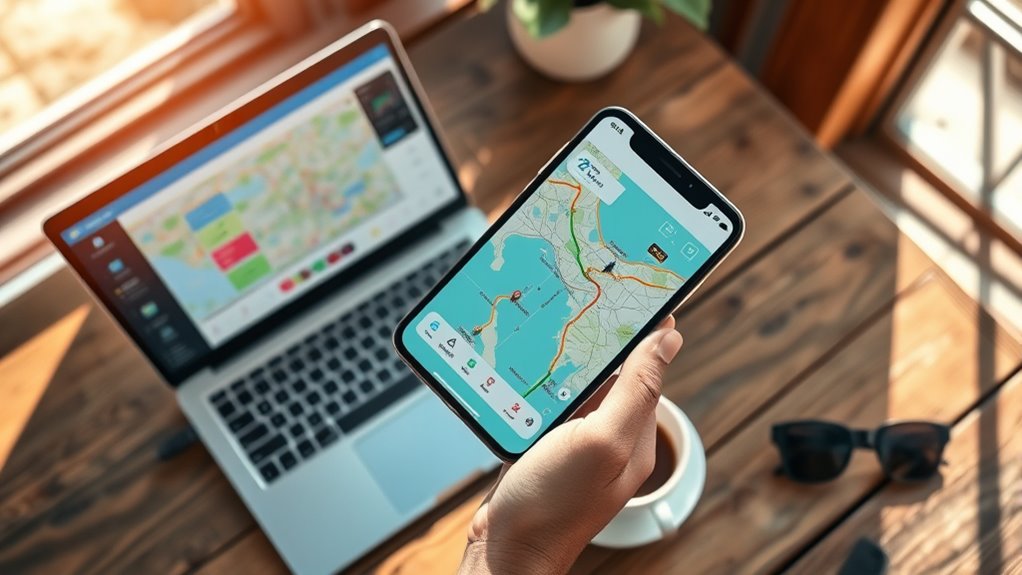

To use road trip planner apps and tools effectively, start by choosing the right app like Google Maps, Waze, or Roadtrippers that fits your needs. Learn how to set waypoints, search for stops, and enable features such as offline maps and voice directions. Stay flexible by updating routes based on real-time traffic, and keep backup options like physical maps handy. By mastering these steps, you’ll guarantee a smooth journey and discover helpful tips along the way.

Get travel and outdoor gear delivered free — and shop member deals
- Fast, free delivery on millions of items
- Access to Prime Big Deal Days deals on October 6–7
- Prime Video, Amazon Music and more included
Key Takeaways
- Compare and select the best app (Google Maps, Waze, Roadtrippers) based on your trip needs.
- Familiarize yourself with app features like waypoints, offline maps, and route customization.
- Plan stops and points of interest in advance, reviewing ratings to enhance your experience.
- Keep apps updated and use real-time traffic alerts to adapt routes dynamically.
- Use backup methods like physical maps and combine multiple tools for seamless navigation.

Planning a road trip can be exciting, but it often involves juggling multiple details like route options, stops, and accommodations. To stay organized and make the journey smooth, using road trip planner apps and tools is essential. When it comes to navigation tips, leveraging these apps can save you time and reduce stress. Start by choosing the right app—there are many options like Google Maps, Waze, and specialized trip planners such as Roadtrippers. Each offers unique features, so doing an app comparison helps you identify which fits your needs best. For example, Google Maps excels in real-time traffic updates and straightforward directions, while Waze is excellent for crowdsourced alerts about accidents or road hazards. Roadtrippers, on the other hand, helps you discover interesting stops, landmarks, and scenic routes along the way.
Once you’ve selected your preferred app, familiarize yourself with its navigation tips. Make sure you understand how to set waypoints, avoid tolls if you prefer, and customize your route based on your interests or time constraints. Many apps offer offline maps, which are a lifesaver in areas with poor cell service. Download these ahead of time to ensure continuous navigation without interruptions. Also, keep an eye on the app’s features like lane guidance, voice directions, and alerts for upcoming turns—they help you stay focused on the road and prevent last-minute surprises. Using multiple apps can be beneficial; for instance, you might rely on Google Maps for directions and Waze for real-time traffic updates. This app comparison allows you to maximize your navigation efficiency.
Another key to using road trip apps effectively is to plan your stops ahead. Many apps allow you to search for restaurants, gas stations, rest areas, and attractions nearby. Pinning these stops on your map helps you visualize your entire trip and ensures you won’t miss must-see spots. Additionally, take some time to explore user reviews and ratings for these stops to avoid unpleasant surprises. As your trip progresses, keep your apps updated and check for real-time traffic or route adjustments. This flexibility ensures that you’re always on the best route, saving you time and fuel. Remember that a good understanding of projector technology and features can significantly enhance your home cinema experience.
Finally, don’t rely solely on digital tools; keep a physical map as a backup, especially if you’re venturing into remote areas. But with the right navigation tips and a good app comparison, you’ll navigate your road trip confidently, enjoy the scenery, and arrive at your destination relaxed and ready for adventure.
As an affiliate, we earn on qualifying purchases.
Frequently Asked Questions
Can Road Trip Planner Apps Sync With My Vehicle’s Navigation System?
Many road trip planner apps do not directly sync with your vehicle’s navigation system, but some offer app integration features that can help. You should check your app’s compatibility with your vehicle’s system, as vehicle compatibility varies. Using Bluetooth or Apple CarPlay and Android Auto can facilitate a smoother connection. Always verify if your app supports direct integration, or if you’ll need to manually transfer routes for seamless navigation.
Are There Any Free Road Trip Planning Apps With Offline Map Features?
Yes, several free road trip planning apps offer offline maps for free navigation. Apps like Maps.me and OsmAnd let you download detailed maps before your trip, so you don’t rely on data. This way, you can access offline maps anytime, ensuring smooth navigation even without internet. These tools are perfect for budget-friendly planning and help you stay on track, no matter where your journey takes you.
How Do I Update My Trip Route if I Encounter Unexpected Road Closures?
When unexpected road closures pop up, don’t throw in the towel. Use live traffic updates in your app to spot alternative route adjustments instantly. Tap into the app’s rerouting feature or manually select different roads to keep your trip on track. Keep an eye on real-time info, stay flexible, and remember, sometimes a small detour leads to the best adventures. Stay ahead and enjoy the journey!
Can I Share My Planned Route With Friends or Travel Companions Easily?
Yes, you can easily share your planned route with friends or travel companions through sharing options available in most road trip planner apps. Look for features like route collaboration, which allow you to send links via email or messaging apps, or invite others to view and edit the route directly. This makes coordinating your trip simpler, ensuring everyone stays updated and can suggest adjustments in real-time.
Do These Apps Provide Real-Time Traffic and Weather Alerts During the Trip?
Think of these apps as your digital co-pilots, constantly scanning the road ahead. They provide real-time traffic alerts and weather notifications, acting like a weather vane and traffic radar guiding you through changing conditions. As you cruise, they update you instantly, helping you dodge traffic jams or sudden storms. Trust these alerts to keep your journey smooth, safe, and stress-free, like having a keen-eyed navigator by your side every mile.
As an affiliate, we earn on qualifying purchases.
Conclusion
By using road trip planner apps wisely, you’ll find your journey smoother and more enjoyable. Sometimes, the most unexpected detours or discoveries lead to unforgettable memories, reminding you that planning isn’t just about logistics but embracing the surprises along the way. Trust these tools to guide you, but stay open to chance—that perfect roadside café or scenic overlook might just appear when you least expect it, turning a good trip into a truly memorable adventure.
road trip stops and attractions guidebook
As an affiliate, we earn on qualifying purchases.
As an affiliate, we earn on qualifying purchases.
As an affiliate, we earn on qualifying purchases.
Fall Picks
fall essentials
As an affiliate, we earn on qualifying purchases.